Aim and shoot
Move with W A S D (Z Q S D on an AZERTY keyboard), aim with the mouse and shoot with a click. A hit drains your opponent’s energy.
Playable prototype · free
Aim. Shoot. Disable your opponents.
A 3D arena laser tag game, right in your browser.
Free playable prototype in your browser, no download, no account.
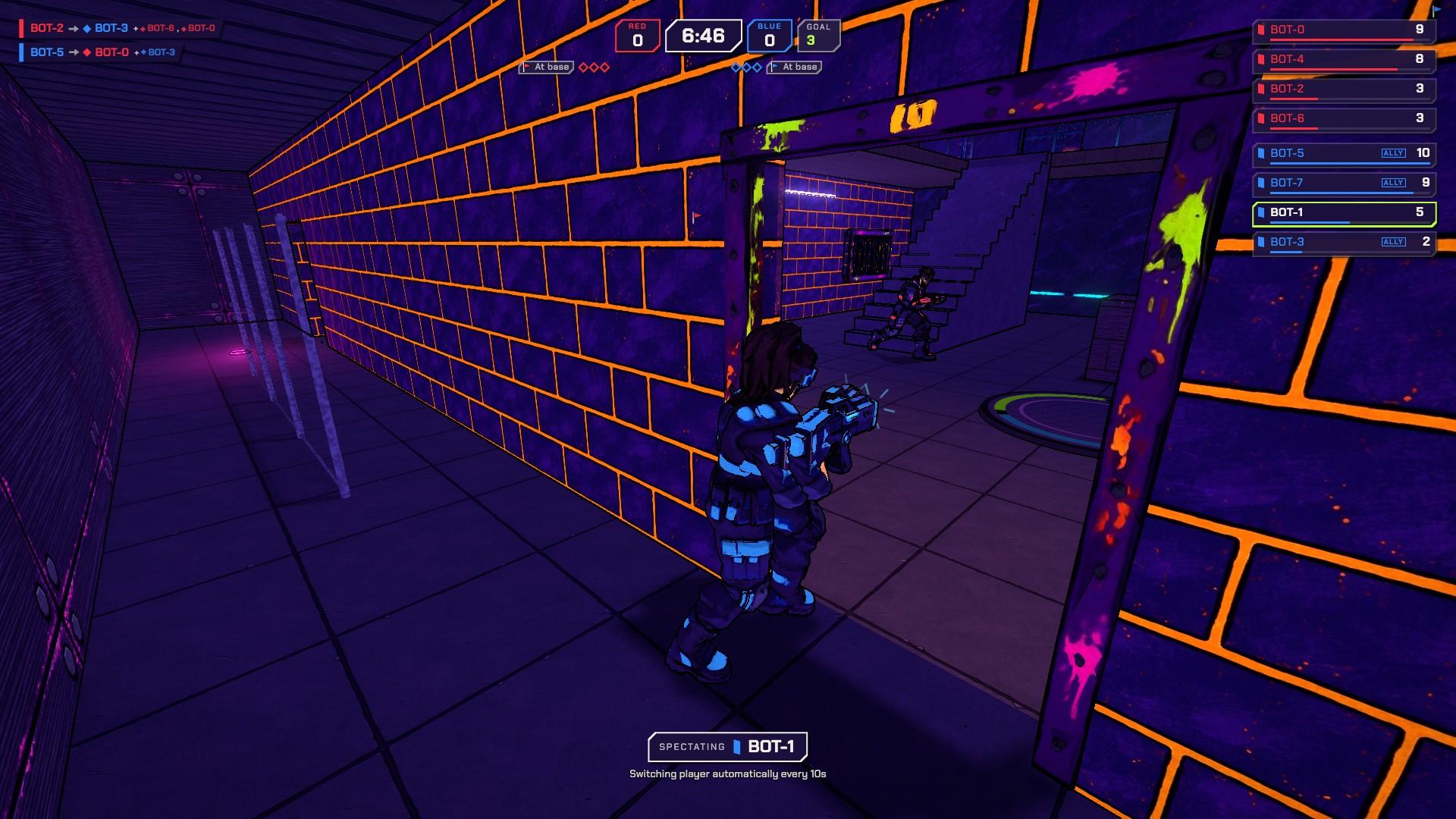
FuryLaser is a free 3D arena laser tag game that runs in your browser, on a computer, with keyboard and mouse. You take on bots or your friends in a private room, across 3 maps and 4 game modes, with no account and no install.
You aim, you shoot, you disable your opponents. Here is the essence in three sentences.
Move with W A S D (Z Q S D on an AZERTY keyboard), aim with the mouse and shoot with a click. A hit drains your opponent’s energy.
At 0 energy, a player is disabled for a few seconds, then comes back. Depending on the rules, your shots cost energy, which refills over time.
Sprint, double jump, dash (a lightning push, ready again after 1.5 s) and slide: a moving player is harder to hit.
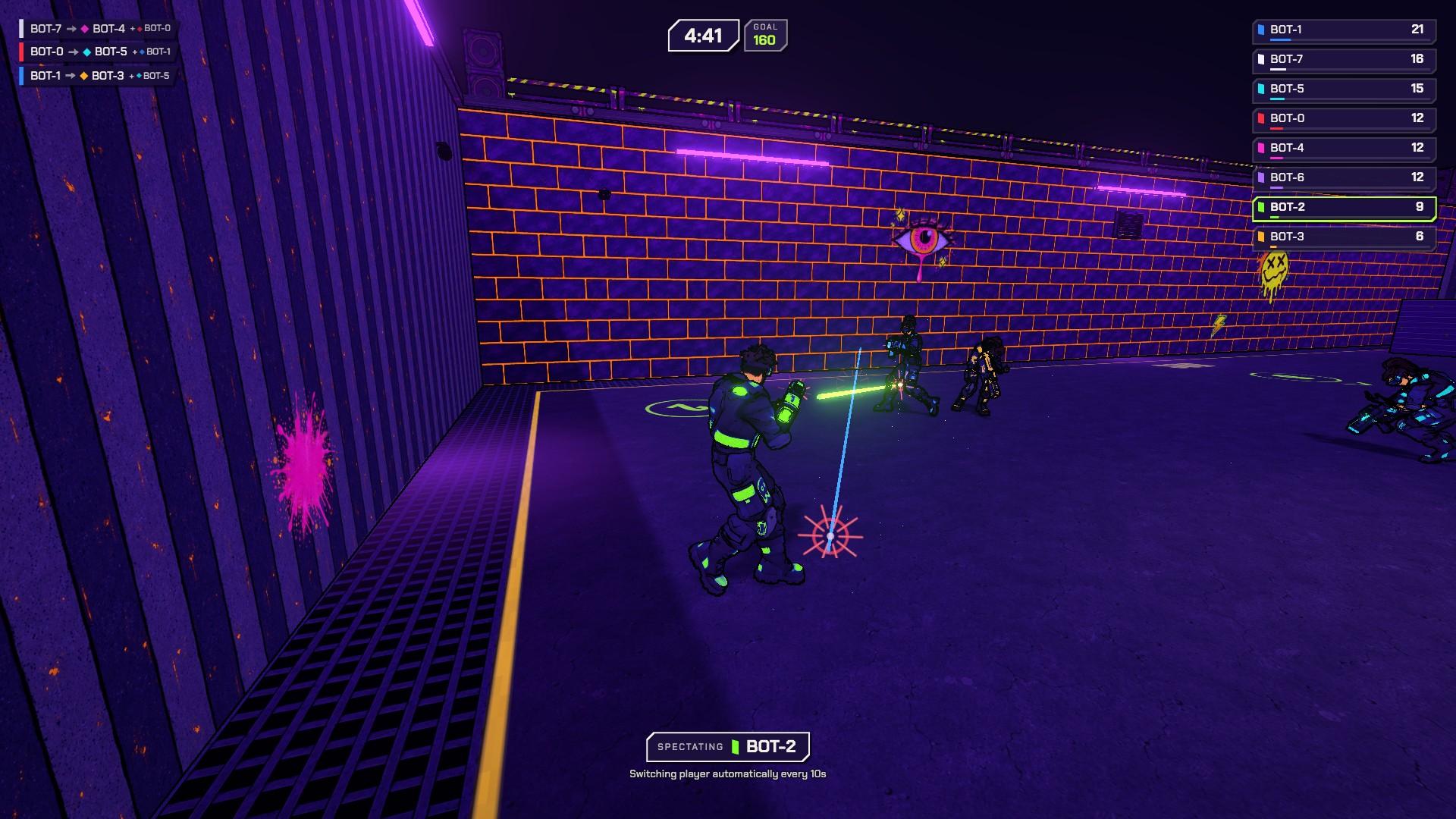
4 objectives to pick from, in the “Game” menu. Each has its own rule, its own end condition and its own maps.
One point per hit. Most points wins.
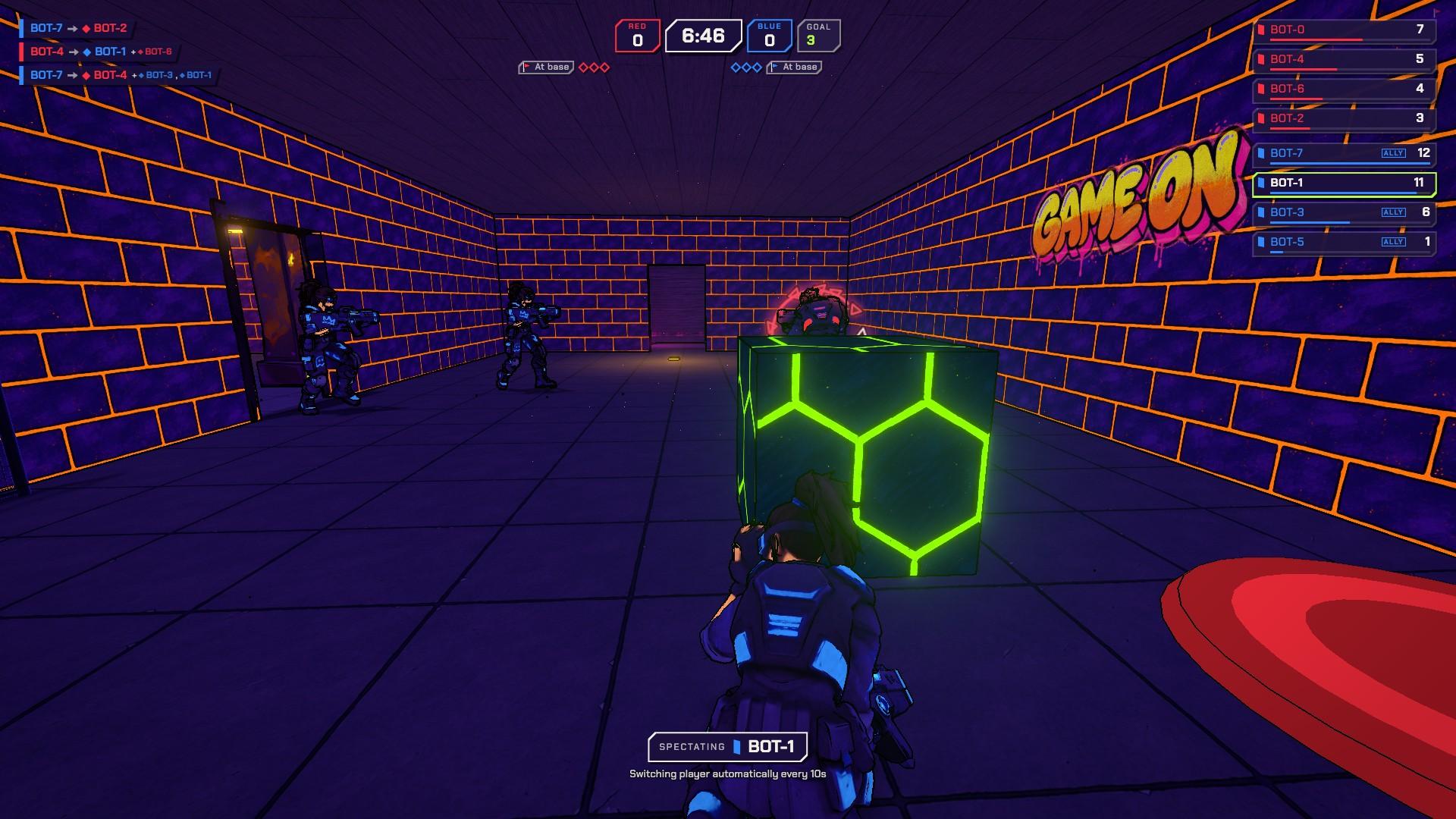
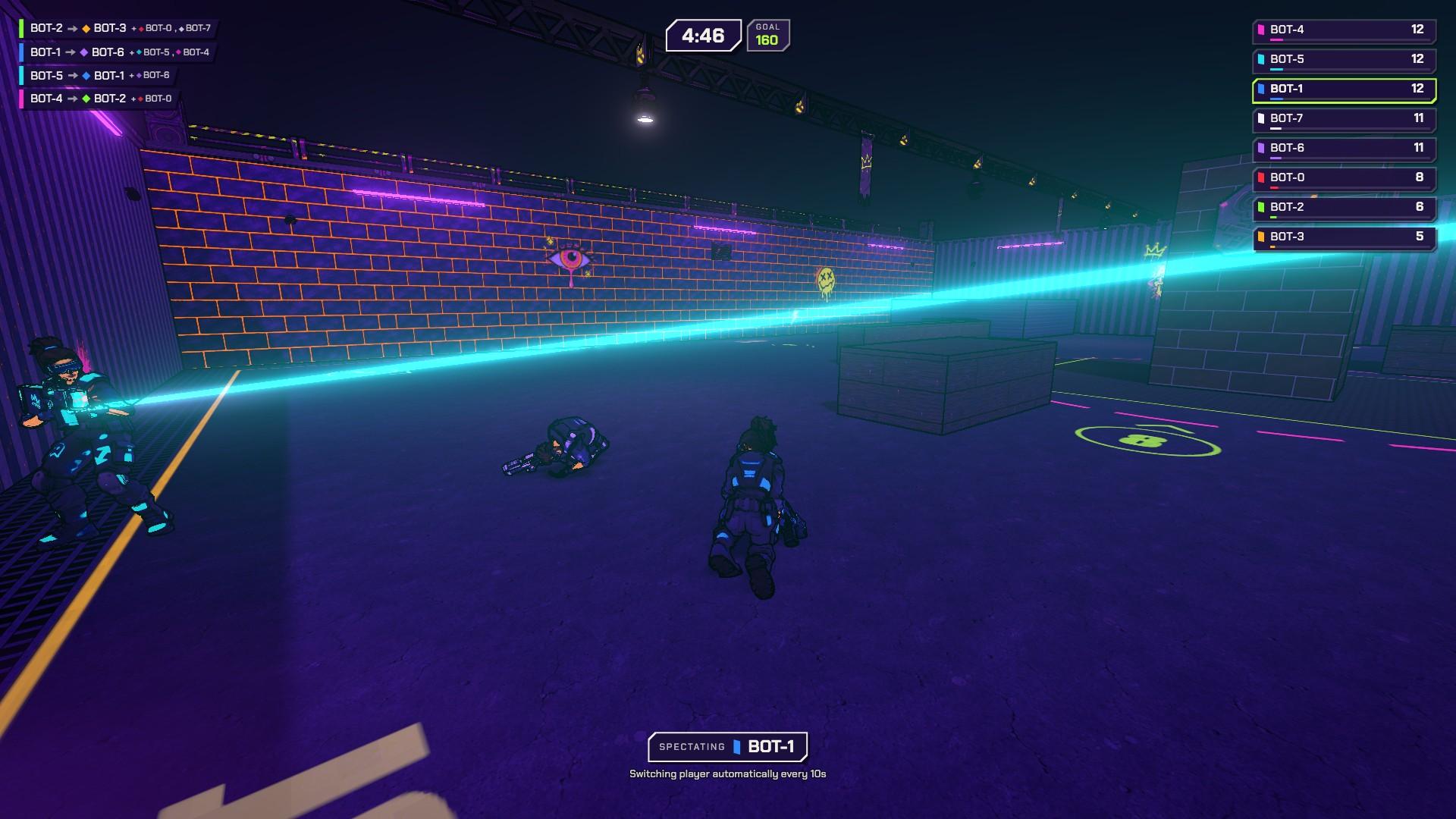
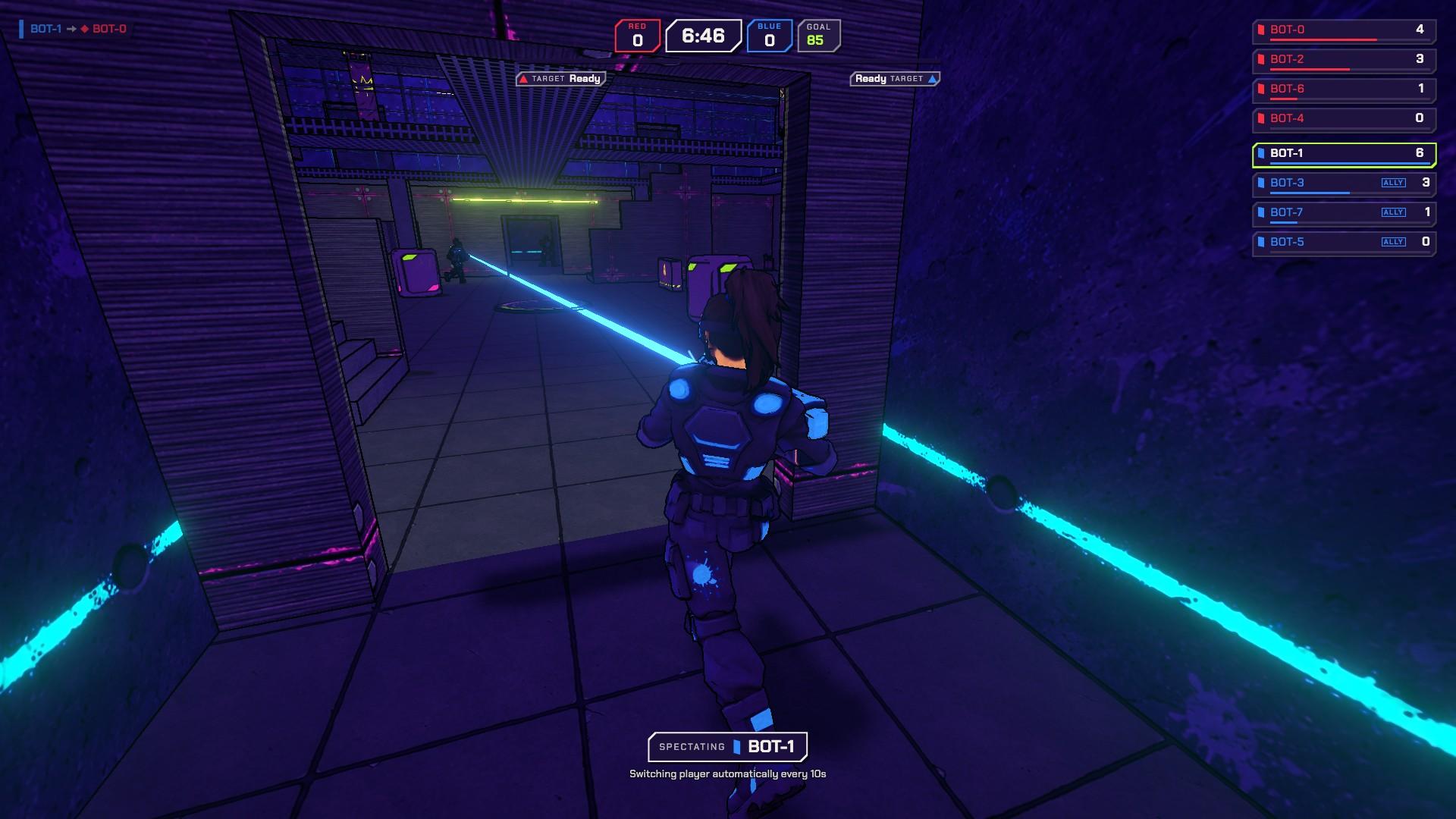
Bring the enemy flag back to your base.
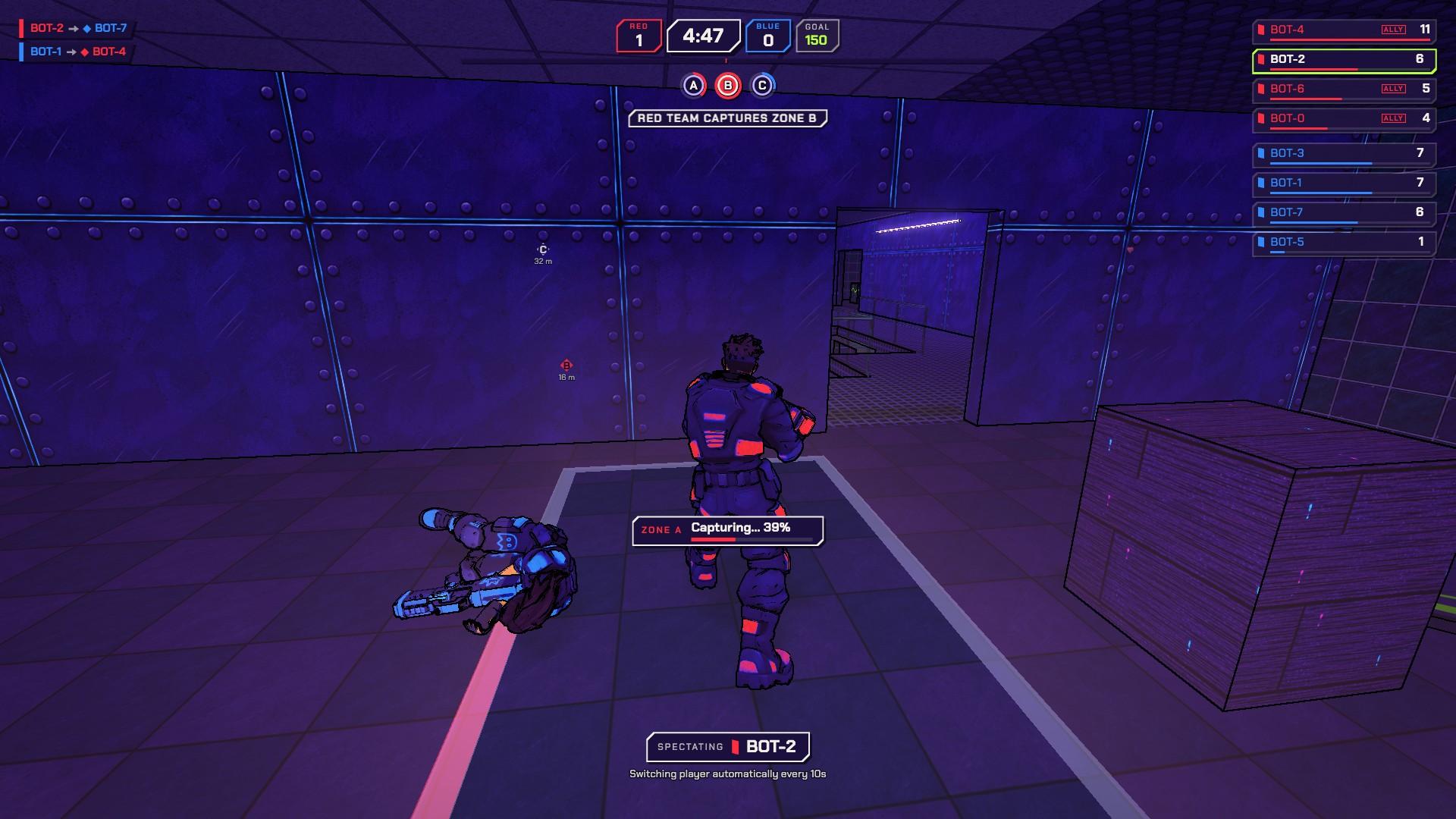
Hold zones to score.
Hit the enemy base’s target.
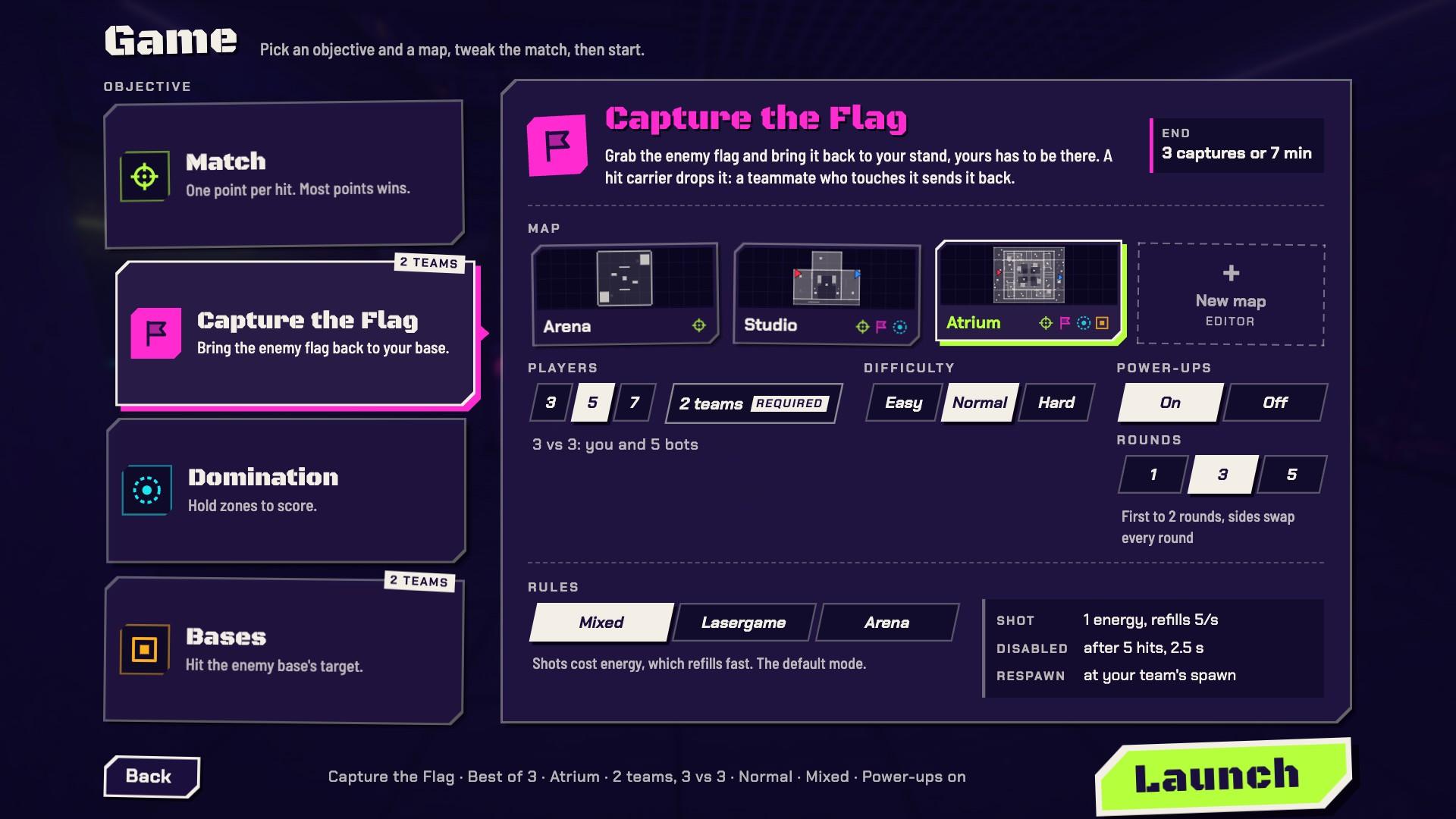
The rules change the pace, not the objective. Mixed is the default.
A single round, or a “best of 3” or “best of 5”: first to 2 (or 3) rounds wins. In teams, sides swap every round.
3 maps, from a one-level pit to a big three-storey hall.
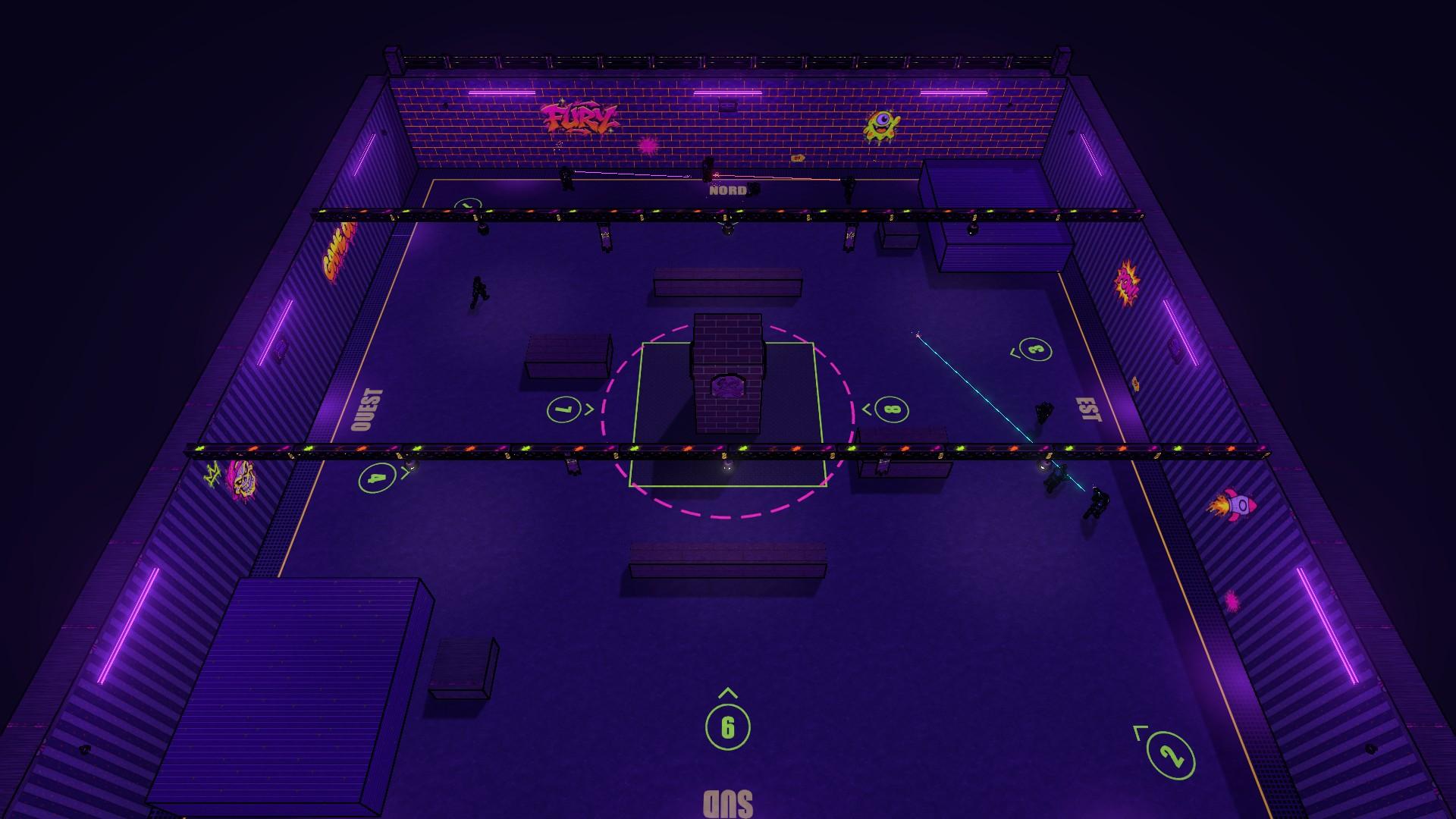
A 40 × 40 m pit on a single level, a brick pillar in the middle and crates for cover. The most direct map.
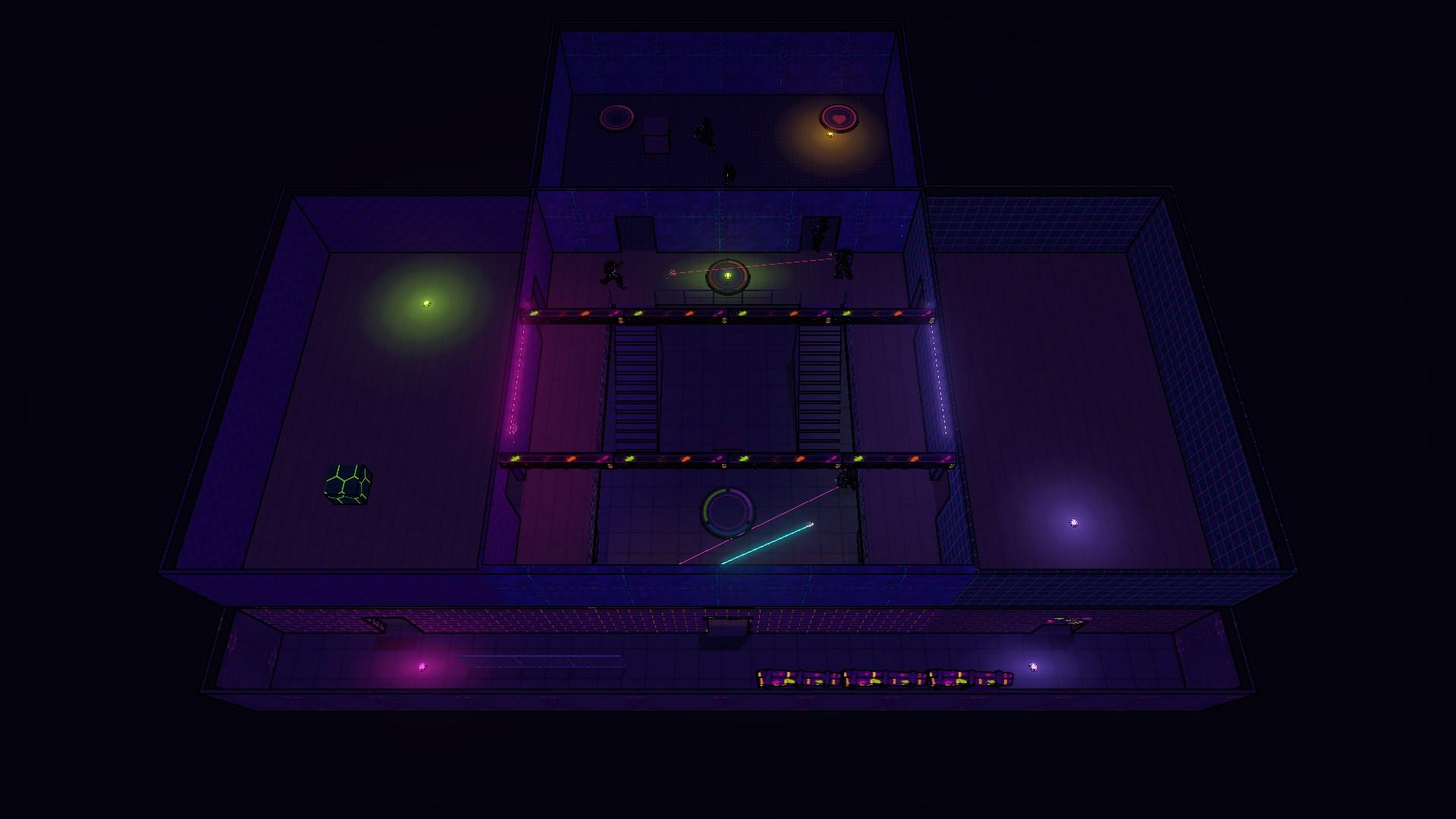
2 levels joined by stairs, side rooms and catwalks. The flags are defended on the ground floor.
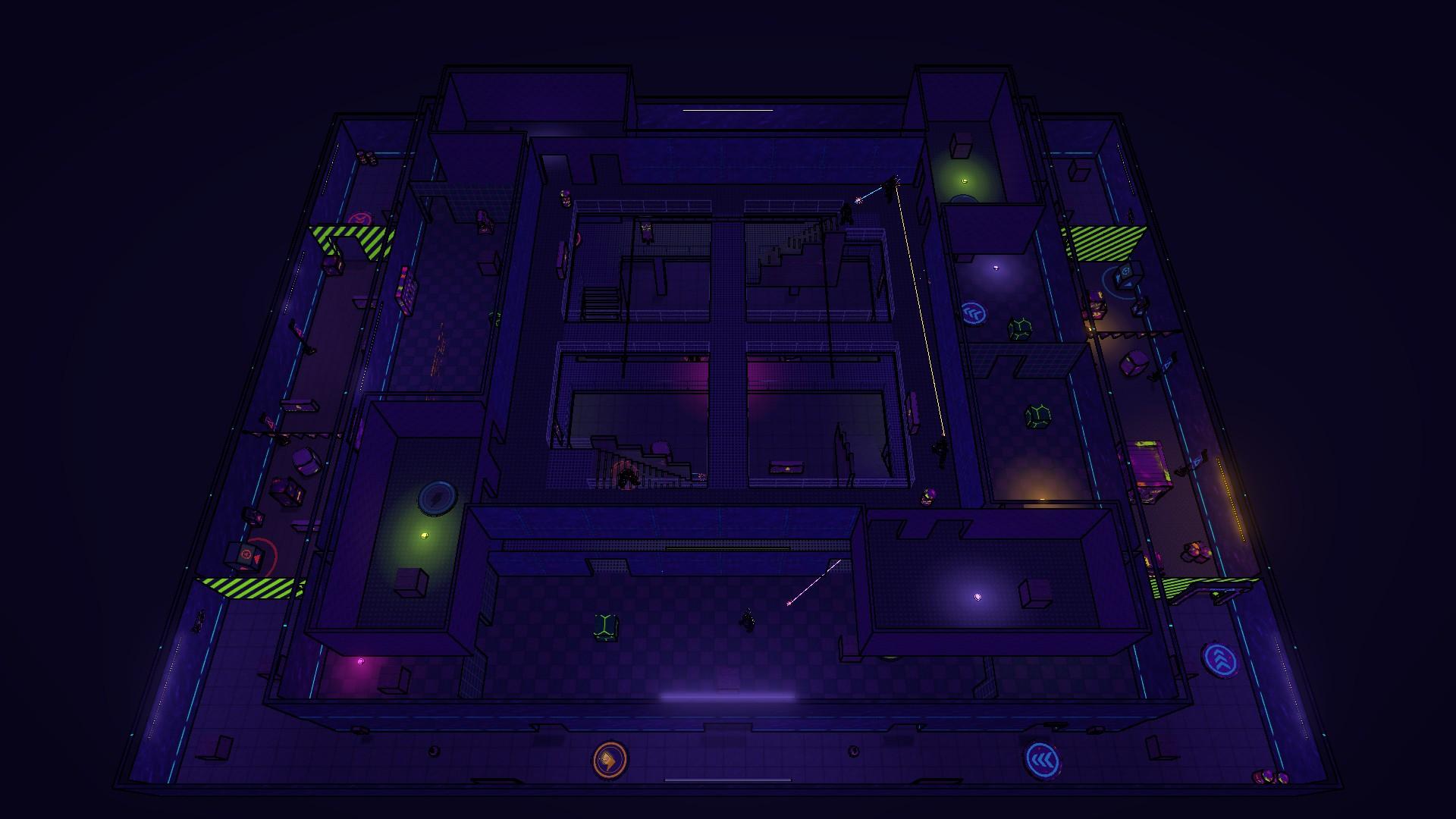
3 levels, stairs, walkways, catwalks and rooms: the only map where the Bases mode is played.
5 power-ups, picked up by walking onto a glowing pad, on Studio and Atrium. They come back after a delay. You can turn them off in the match settings.
+50 energy, instantly.
For 15 s, your dash is recharged and recharges twice as fast.
Absorbs the next 50 points of damage, for up to 12 s.
For 8 s, your shots cost nothing and fire 25% faster.
For 8 s, your hits deal ×1.5 damage and you run 15% faster.
Fury comes from the rotating central pad, which also cycles through Overcharge and Shield.
Online play is in private rooms: no public lobby, you enter with a code or a link.
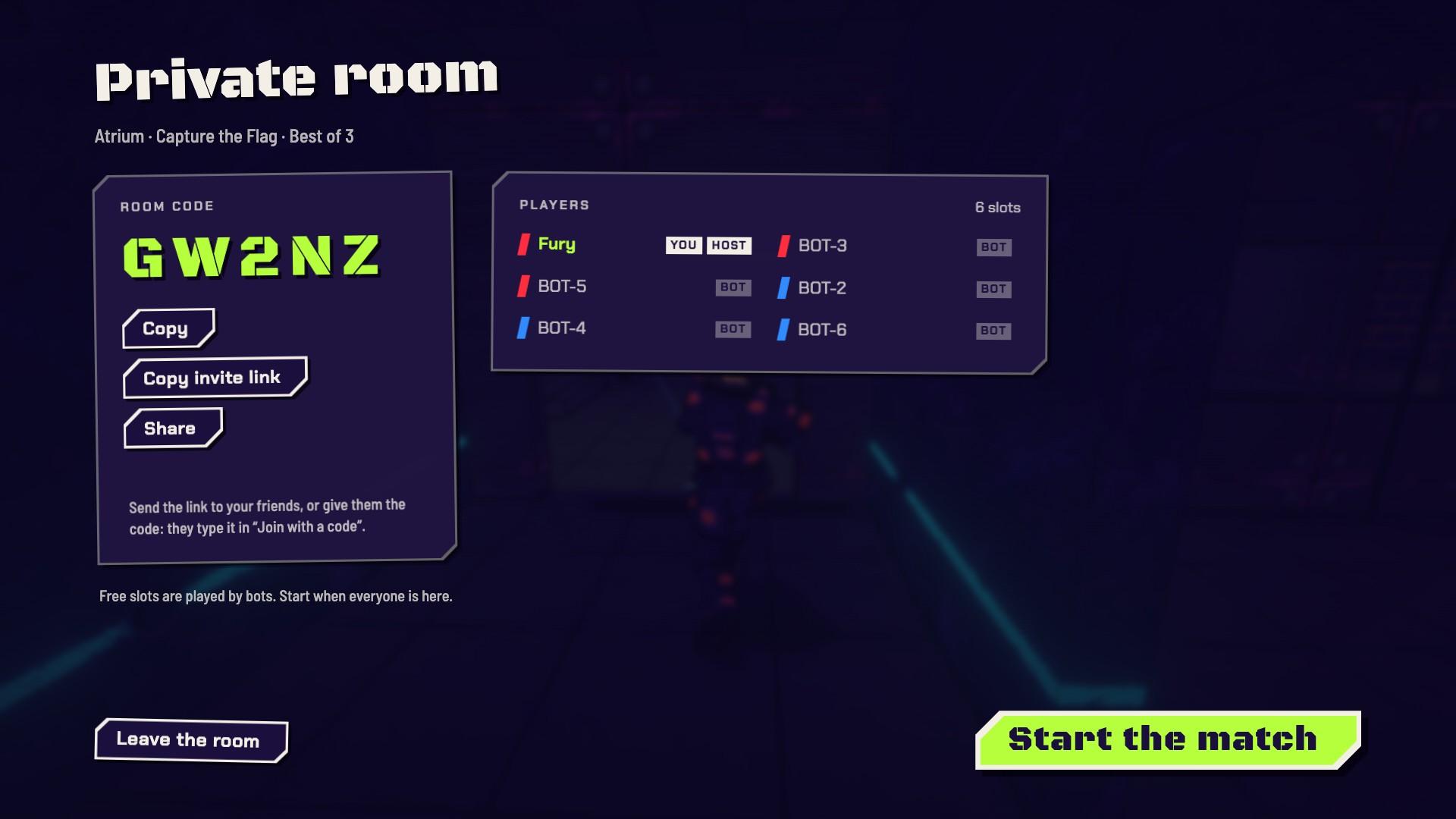
In the menu, click “Play online”, then “Create a private room”. Pick the map, objective, rounds and bots just like a solo match.
Send the invite link (Copy invite link or Share button), or give them the room code, 5 characters. They type it in “Join with a code”.
Free slots are played by bots, at three difficulty levels: Easy, Normal and Hard. A friend who joins takes a bot’s place. A room has 4, 6 or 8 slots.
Yes. The prototype is free, has no ads, and there are no purchases in the game. An optional donation is possible on the Support page; it gives no in-game advantage.
No. No account, no install: you open the game in your browser and click Play. Your settings stay saved in your browser.
The game is designed for a computer, with a keyboard and mouse. There are no touch controls, so we do not promise mobile. This website, on the other hand, reads fine on a phone.
A recent desktop browser. The game uses WebGPU when it is available and falls back to WebGL2 otherwise. If the picture stutters, lower the graphics quality in Settings (Low, Medium, High or Auto).
Not really. There is no version to install: the page loads from the internet. Once loaded, a solo match against bots runs in your browser; online mode needs the server.
Yes, in private rooms: you enter with a code or an invite link, and bots fill the free slots. A room has 4, 6 or 8 slots. There is no public lobby or matchmaking.
A round lasts 5 to 7 minutes at most depending on the mode and rules, and ends sooner if the target score is reached. A “best of 3” or “5” has several rounds.
The shop, the leaderboard and customisation are not available: the menu shows them as “soon”. FuryLaser is still a prototype, so rules and maps may change.
Not available yet: the shop, the leaderboard and customisation. The game menu shows them as “soon”, they do not exist yet.